
Build your own apps, right on your phone.
A pocket workshop for small, personal apps. Write a few JavaScript files, tap Run, and your app is on screen. No computer, no build step, no account, no app store in between.
Free · No ads · No account · Open source (GPL‑3.0)
Describe it. Get an app.
No code required. Connect an AI assistant to aCelery, describe the app you want in plain words, and it writes the app, creates its database, runs it on your phone, checks for errors and fixes them — while you watch.
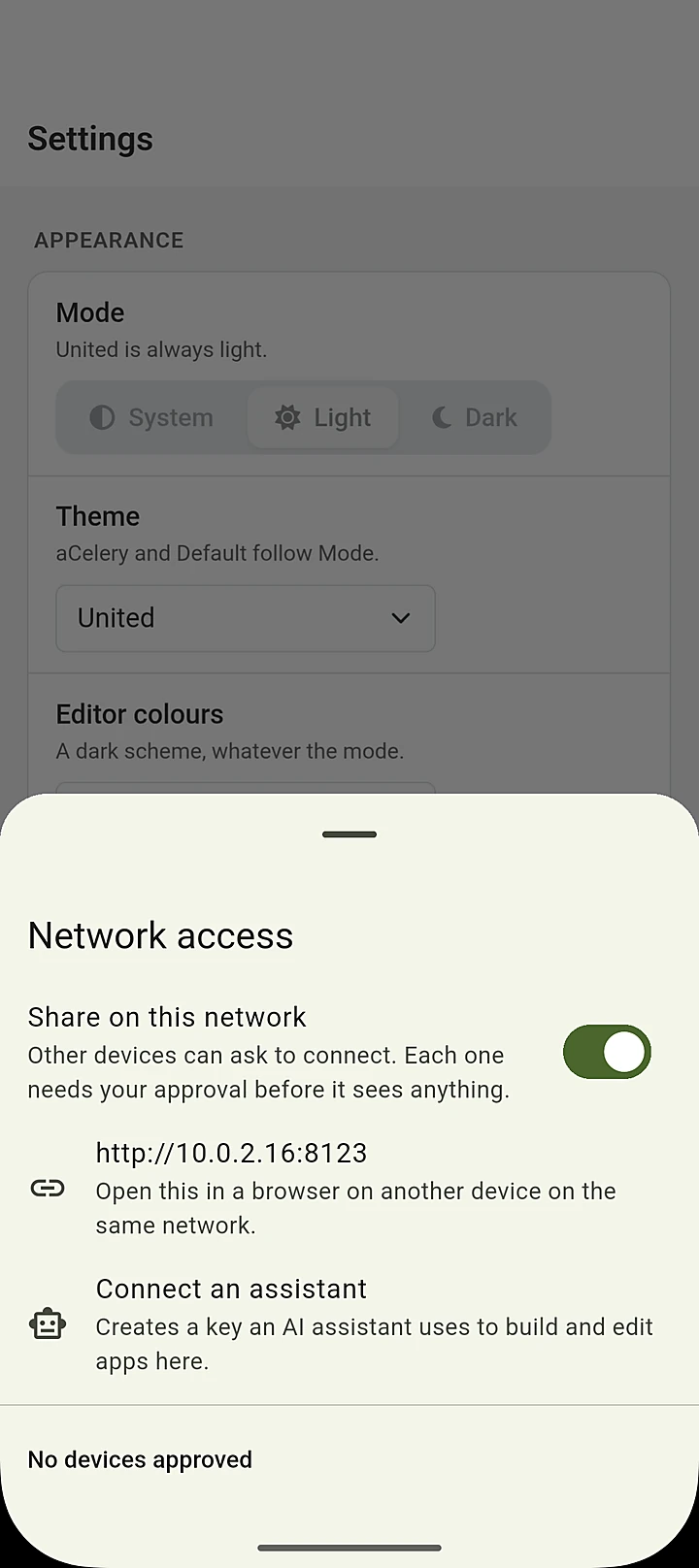
- Turn on network accessIn Settings, switch on Share on this network and tap Connect an assistant.
- Paste one line into your assistantaCelery gives you a ready-made command for Claude Code and a configuration block for Claude Desktop, with a key of its own.
- Say what you want"A log for my car's fuel, with a chart of litres per month." The assistant does the rest, and the app appears on your phone.
- Works with Claude Code, Claude Desktop and other assistants that speak the Model Context Protocol (MCP).
- The result is an ordinary aCelery app: open it in the editor, read every line, change anything.
- Each assistant gets its own key, which you can revoke at any time.
The apps they built — straight from those prompts
Read the Recipes prompt
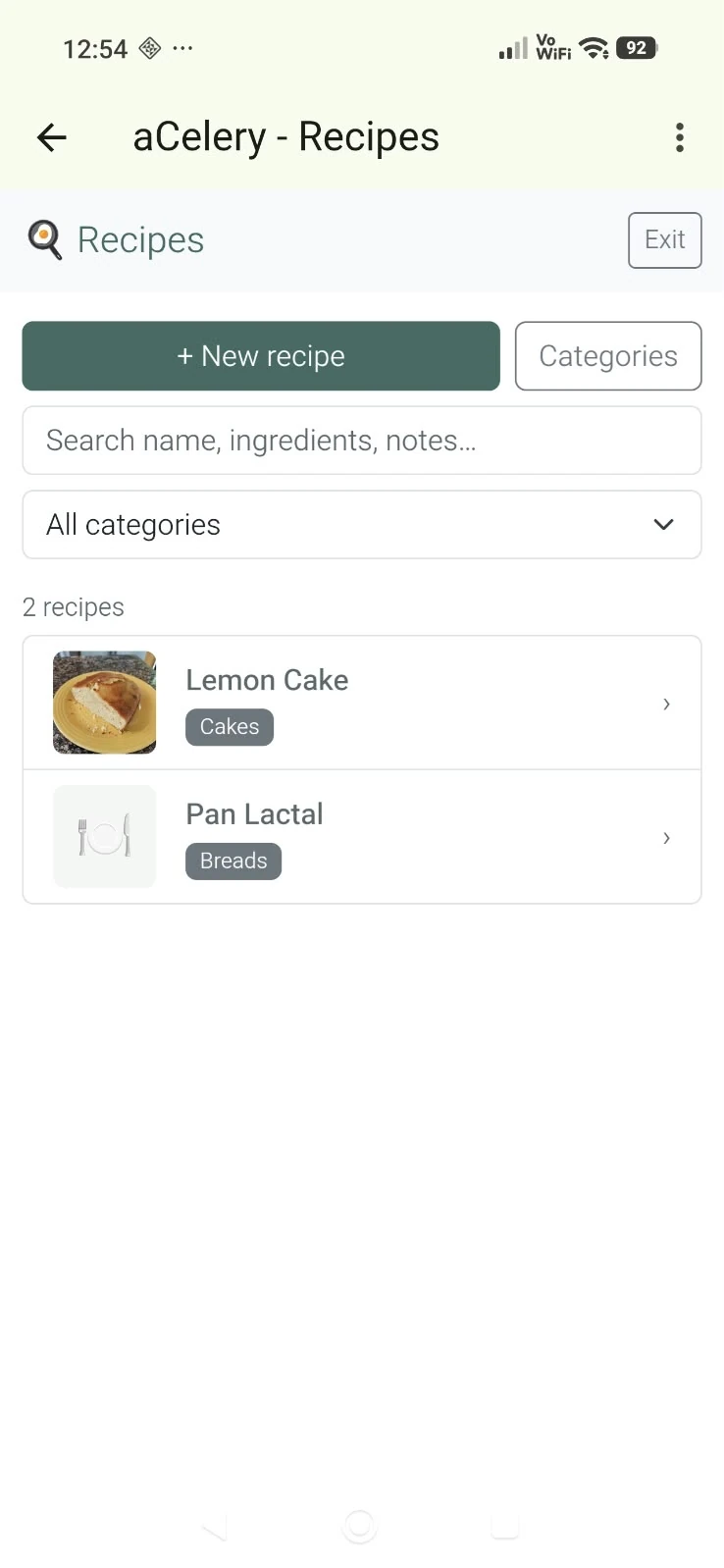
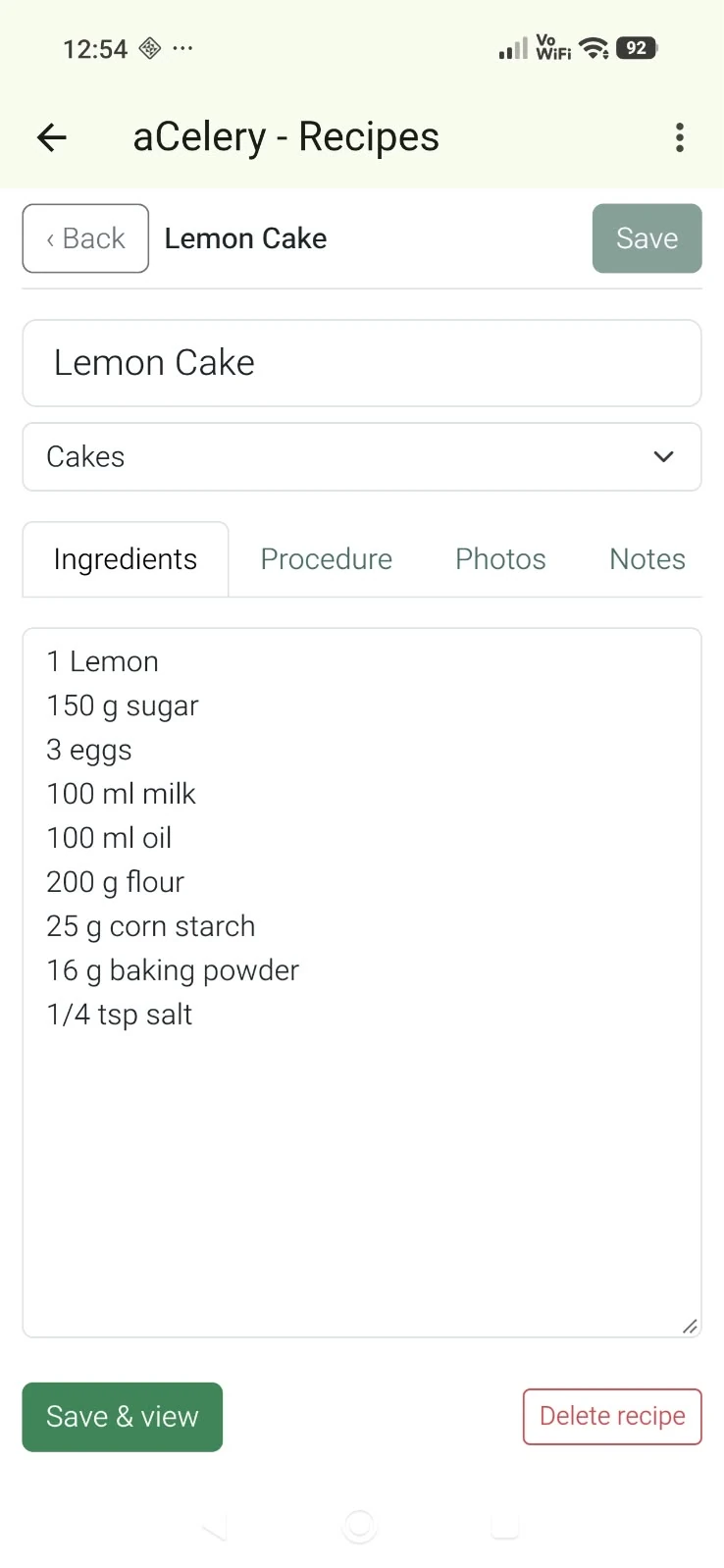
Using the aCelery MCP create an aCelery app that will manage my cooking recipes. Each recipe should show as a tabbed view with tabs for ingredients, procedure, photos, notes and source. Ingredients, procedure and notes should contain a text box for free text, photos should allow adding photos from the camera or gallery and source a field for an URL. There should be a table of categories; recipes should have their name and category. On the main screen there should be controls to browse, search and view recipes, add new recipes and update the categories table.
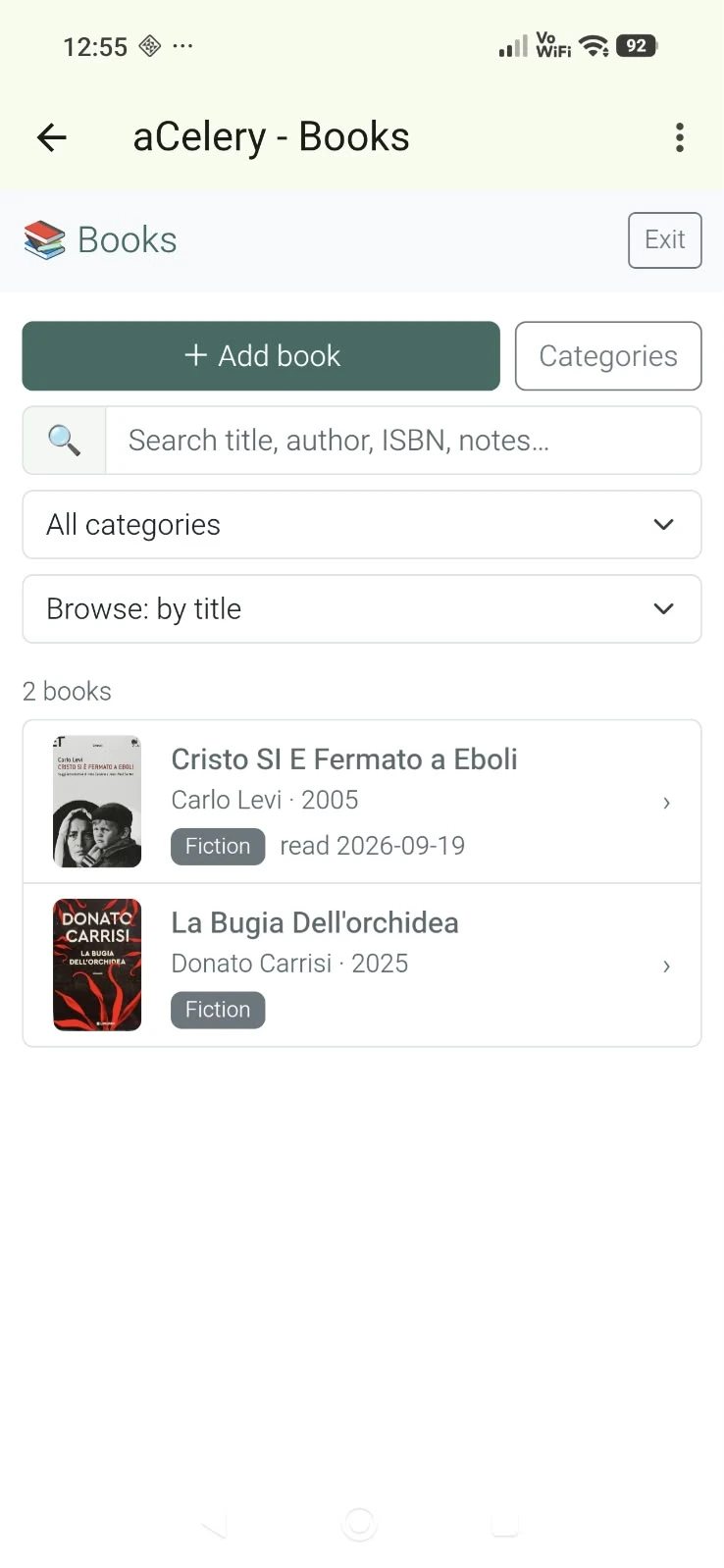
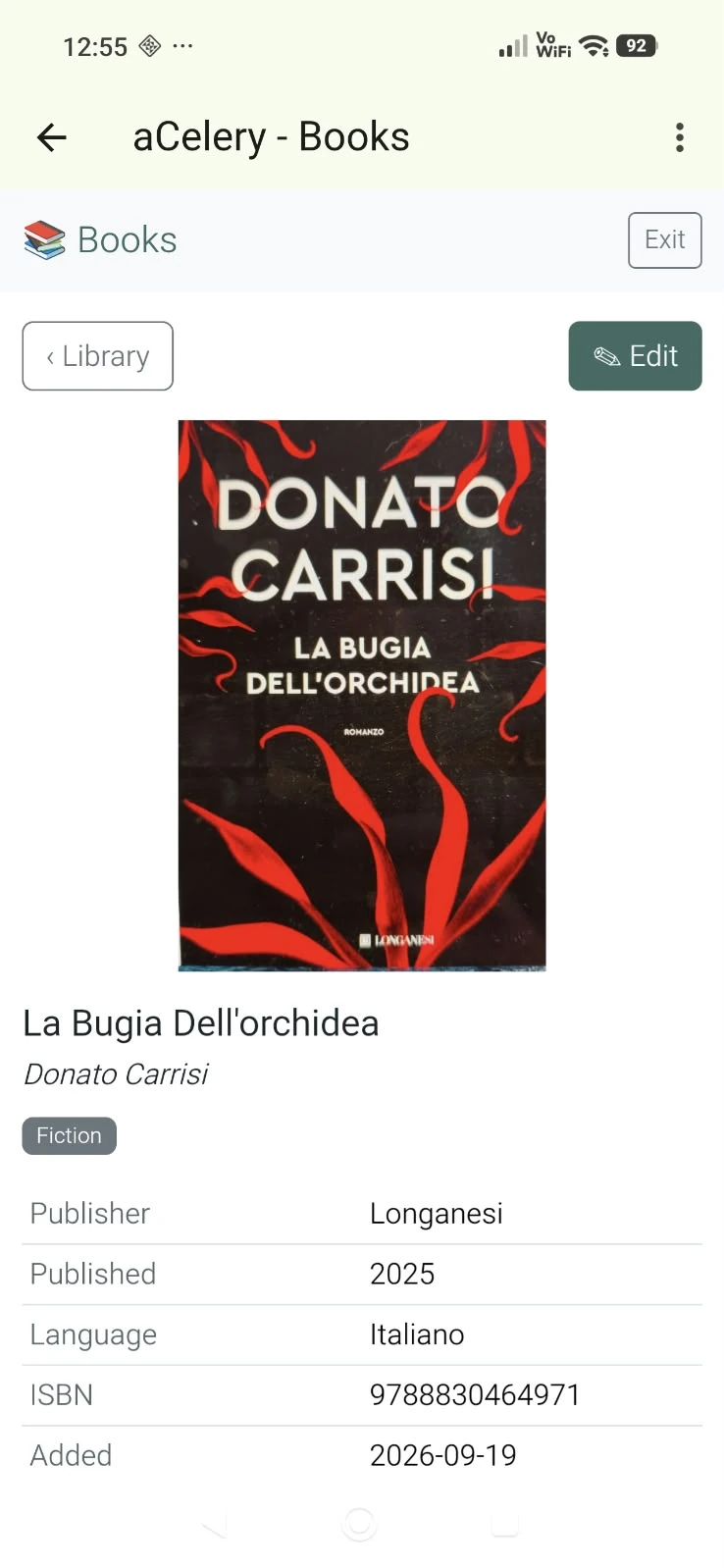
Read the Books prompt
Using the aCelery MCP create an aCelery app that will keep track of the books I’ve read. Each book should show the standard bibliographical data, a text box field for notes and a cover photograph. There should be a table of categories; books should be linked to a category. On the main screen there should be controls to browse, search and view books, add new books and update the categories table. When creating a book there should be an option to obtain all the fields including the cover photo using the openlibrary.org free API using the ISBN of the book.
Everything an app needs is already on the device
A shopping list that works the way you think, a fuel log for your car, an inventory for a club, a tracker for anything you want to count.
Ready-made screens
Panels, forms with validation, buttons, lists, tabs, menus and dialogs, with layouts that adapt to phones and tablets.
A real SQLite database
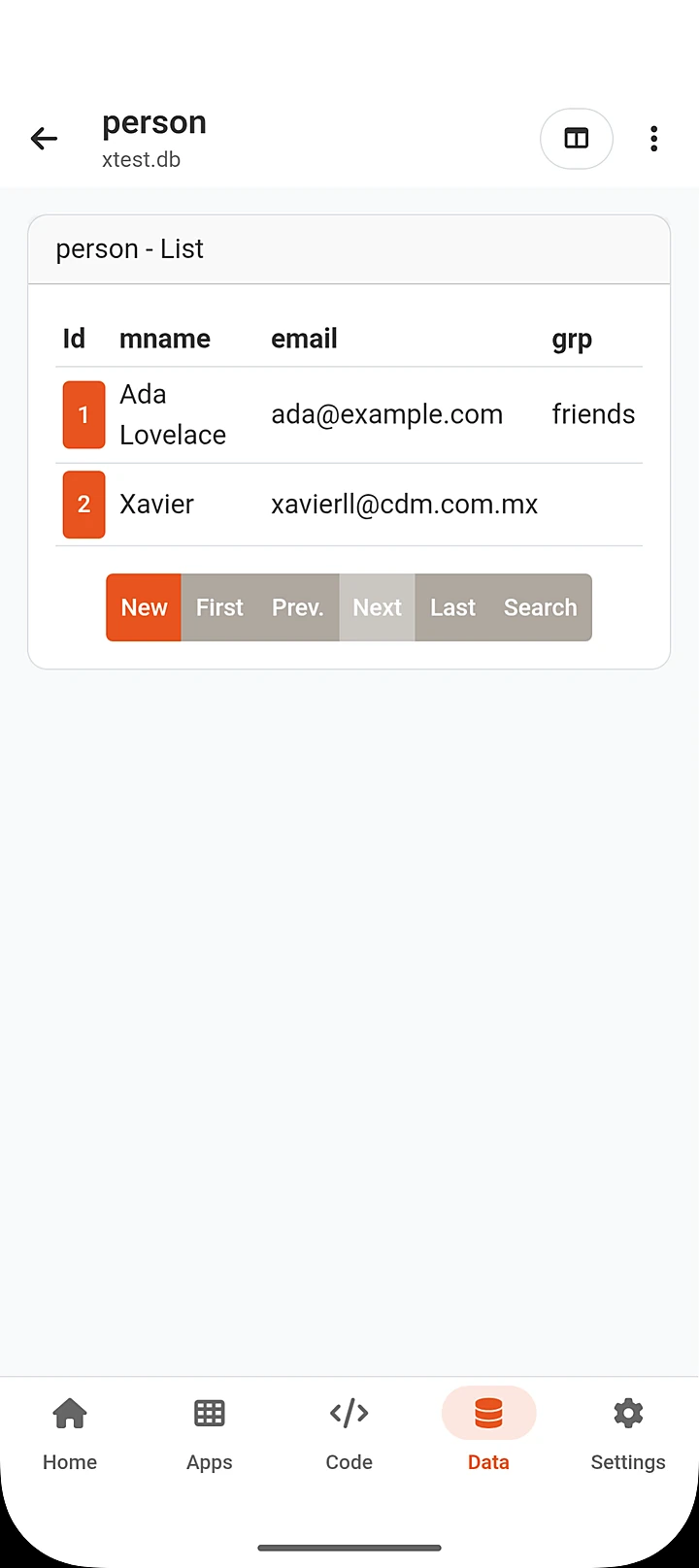
Every app gets its own database, created and browsed right inside aCelery — tables, rows and a SQL console.
Data entry from one declaration
List your fields and get search, add, edit and delete — including child records inside each record.
Tables & charts
Sortable, searchable, paged tables that stay fast with thousands of rows. Bar, line, pie and doughnut charts from your data.
Photos & files
Pick photos from the camera or gallery with cropping and resizing, open any file, and share exports with the apps you already use.
18 themes
Each with light and dark modes, so your apps look at home on any device.
A whole CRUD screen from a few lines
Declare a table's fields and aCelery gives you a working list, record view, editor, search and paging. Apps use Preact components, htm templates and Bootstrap styling — modern, widely taught tools, so what you learn here carries over to the web.
- Nothing is bundled or minified — the file you write is the file that runs.
- Errors point at your line.
- An example app shows every feature, and a complete user's guide works offline.
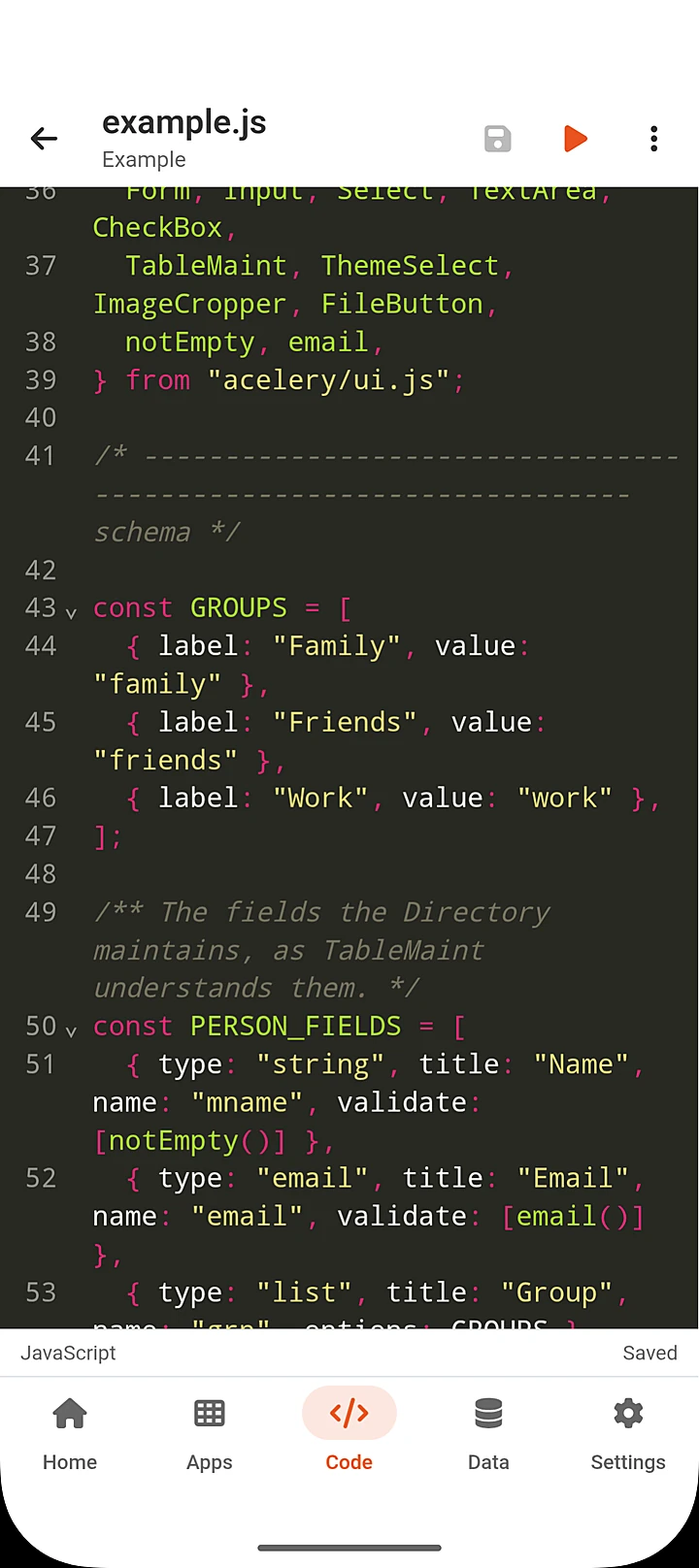
import { openDB } from "acelery/sql.js";
import { html, render, TableMaint, notEmpty, email }
  from "acelery/ui.js";

const FIELDS = [
  { type: "string", title: "Name",  name: "mname", validate: [notEmpty()] },
  { type: "email",  title: "Email", name: "email", validate: [email()] },
  { type: "list",   title: "Group", name: "grp",
    options: ["family", "work"] },
];

export default async function main() {
  const db = await openDB("people.db");
  await db.exec("create table if not exists person (mname, email, grp)");
  render(html`<${TableMaint} db=${db} title="Directory"
    table="person" fields=${FIELDS} />`, document.body);
}Change a line. Run it again in seconds.
The built-in editor highlights JavaScript, HTML, CSS and XML, with search, autocompletion, code folding, bracket matching, undo history and ten colour schemes.
- Works offline. Your apps, their data and all of aCelery's tools live on your device — on a plane, in a basement or out in the field.
- Pin to home screen. Open your favourite apps with one tap.
- Back up & share. Export a whole project as a zip, and import projects from others.
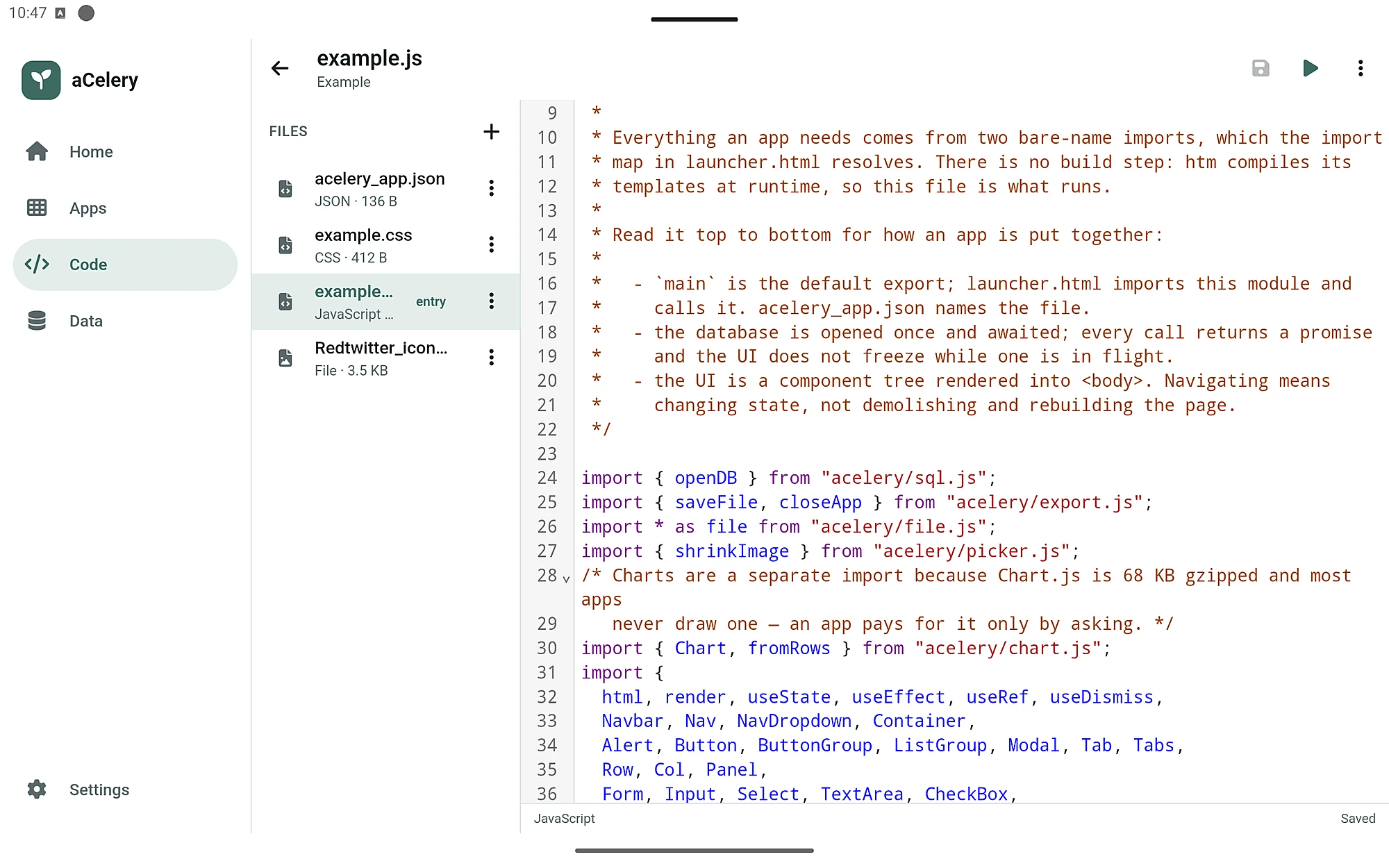
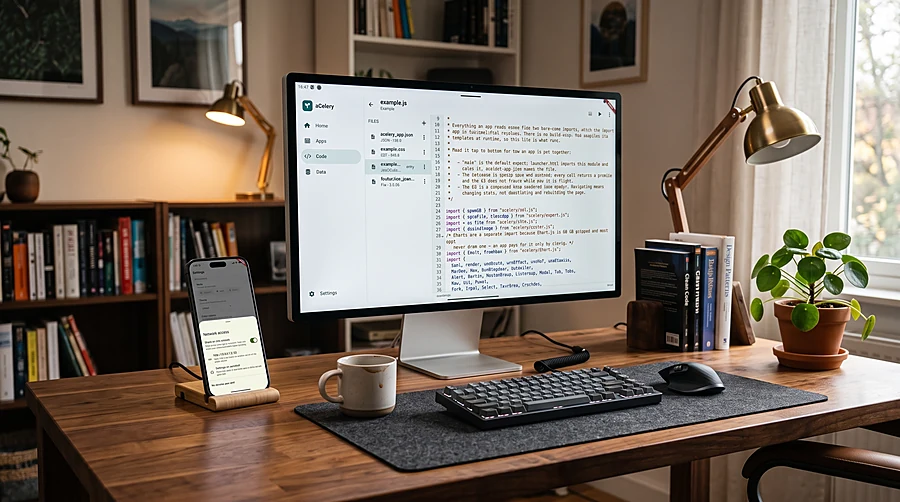
Edit from your computer, run on your phone
Turn on Share on this network and open aCelery from a browser on your laptop, over your own Wi‑Fi. Write with a full keyboard while the app runs on the phone.
- Each new device must be approved on the phone first.
- A notification shows the whole time sharing is on, with a button to stop it.
- Everything stays on your own network — nothing passes through a server of ours.
Five screens. Everything in reach.
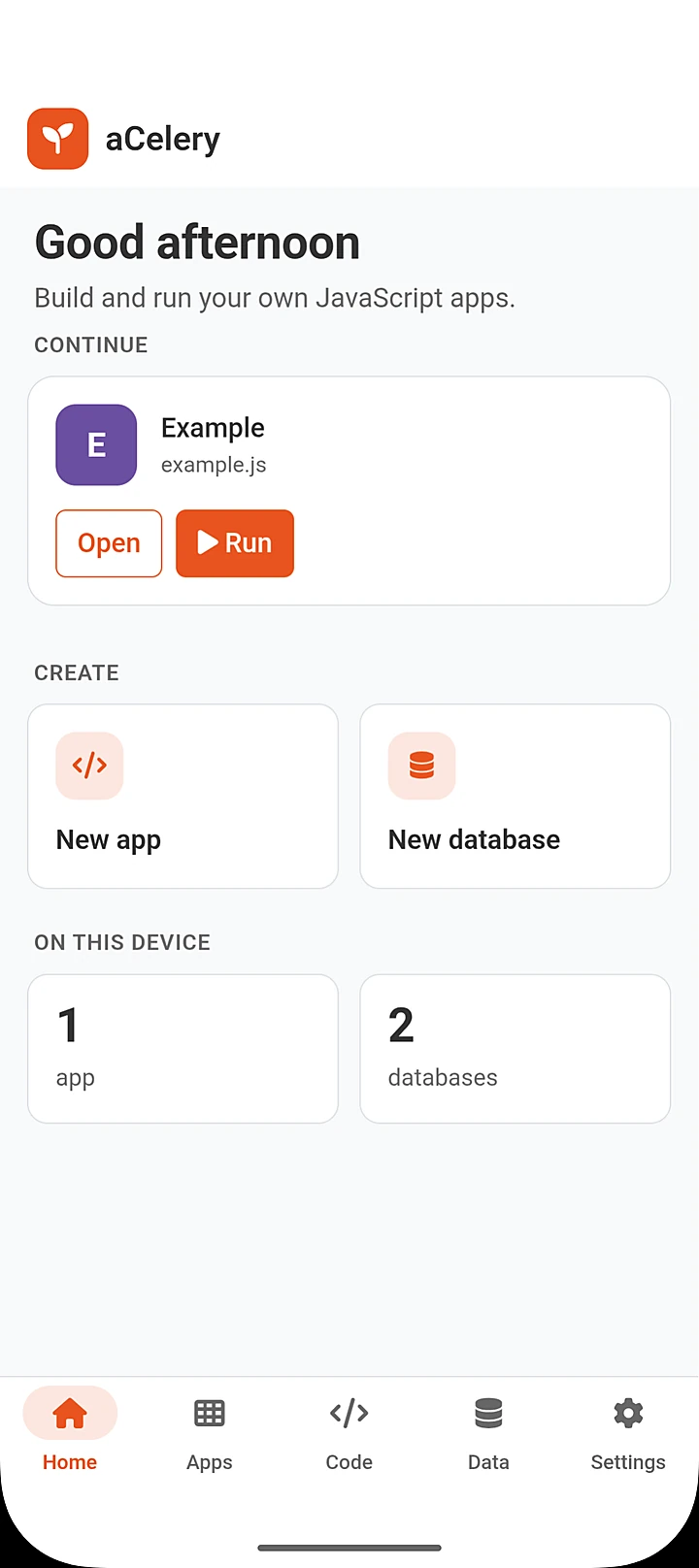
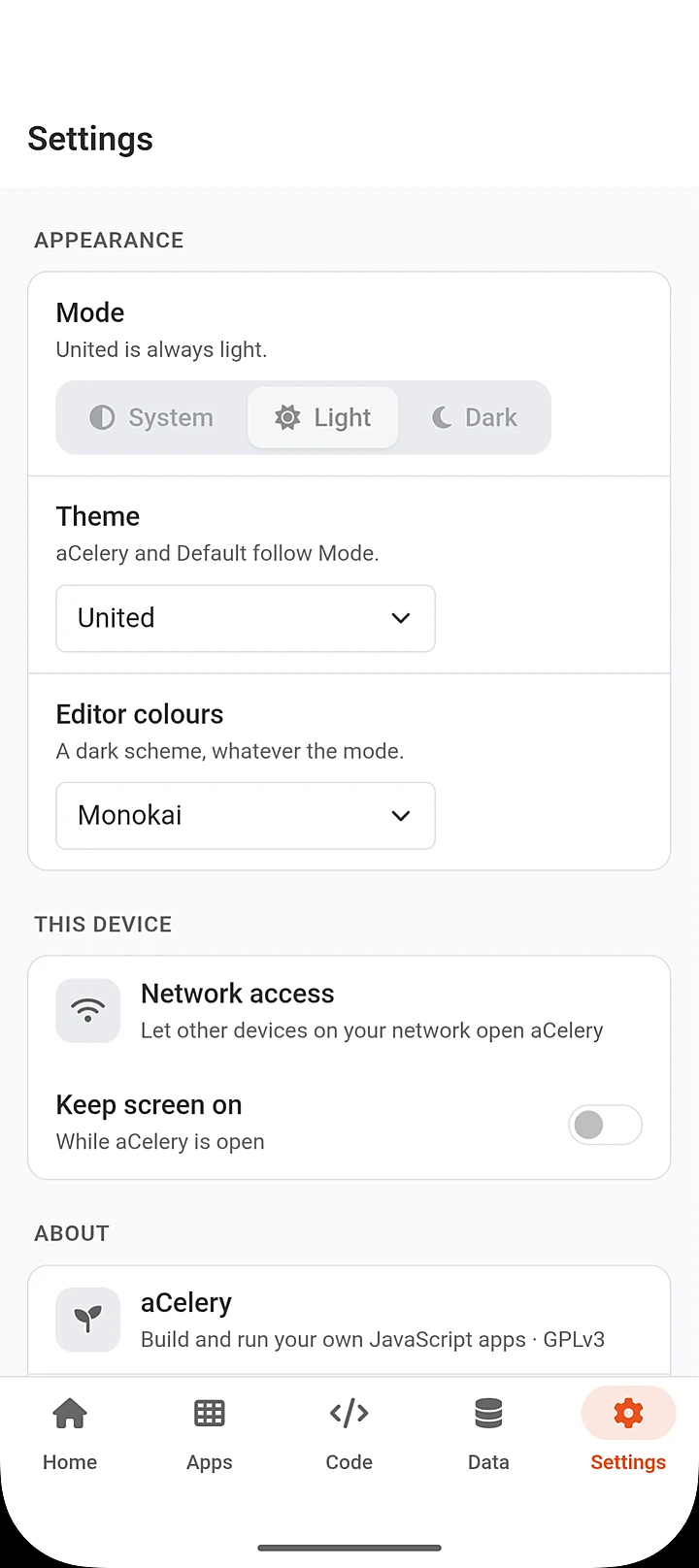
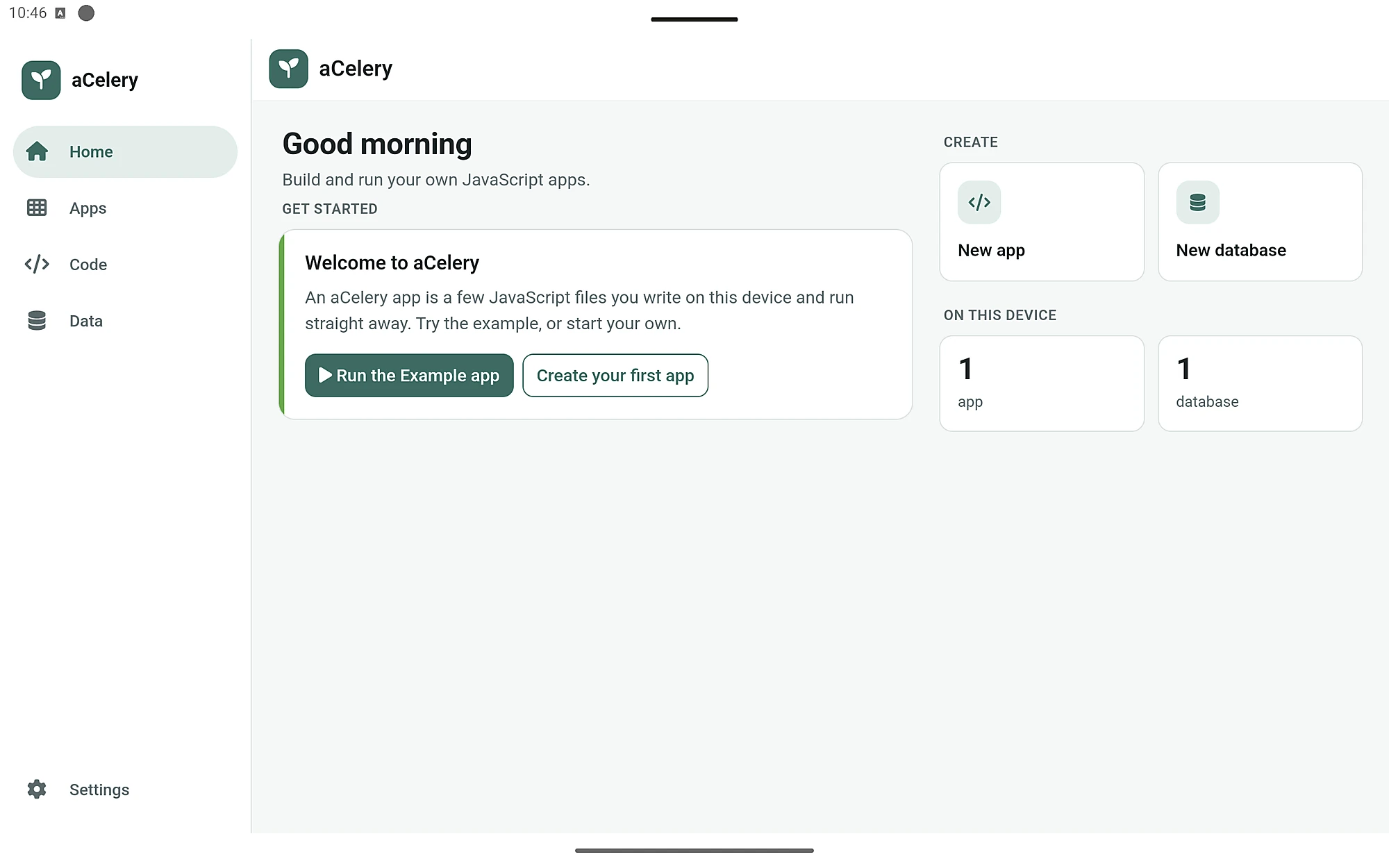
Home, Apps, Code, Data and Settings — built from the same components your own apps use.
For beginners and for developers
Start with the example, change a word, run it, and see what you can build. If you already write JavaScript, you'll feel at home within minutes.
- No ads, no account, no sign-in.
- aCelery doesn't collect your data. Your apps and databases stay on your device.
- Free software under the GNU General Public License v3.0.
What aCelery is not. It isn't a tool for publishing apps to the Play Store or App Store. The apps you make run inside aCelery, on your device, for you and anyone you share them with.
Start building today
Free on Google Play. Coming soon to iPhone and iPad.